
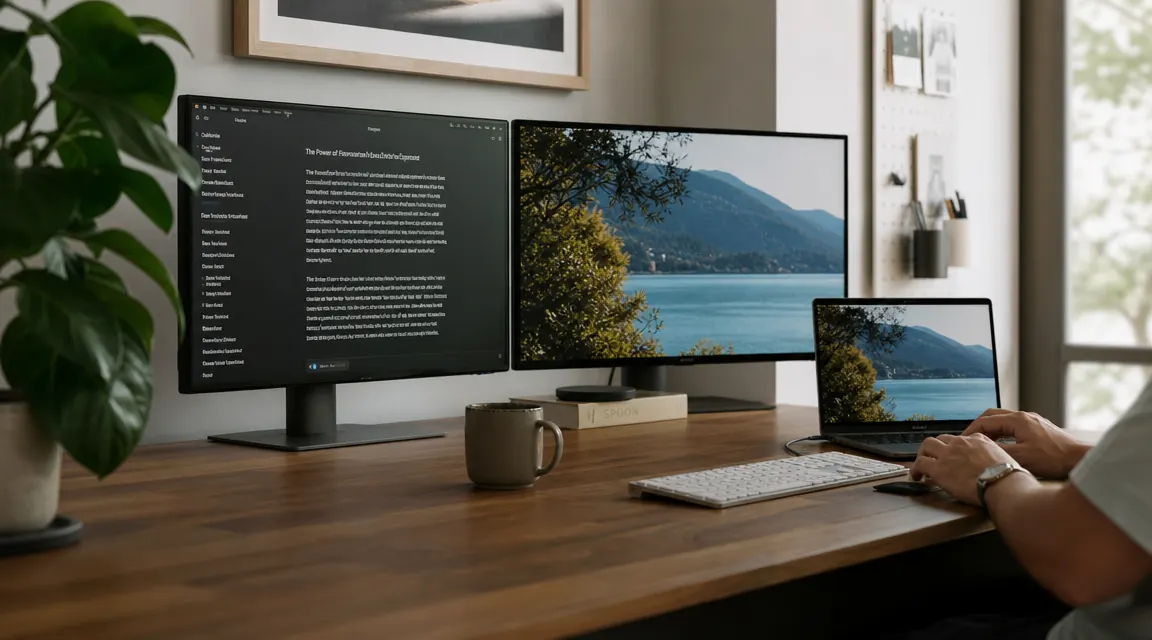
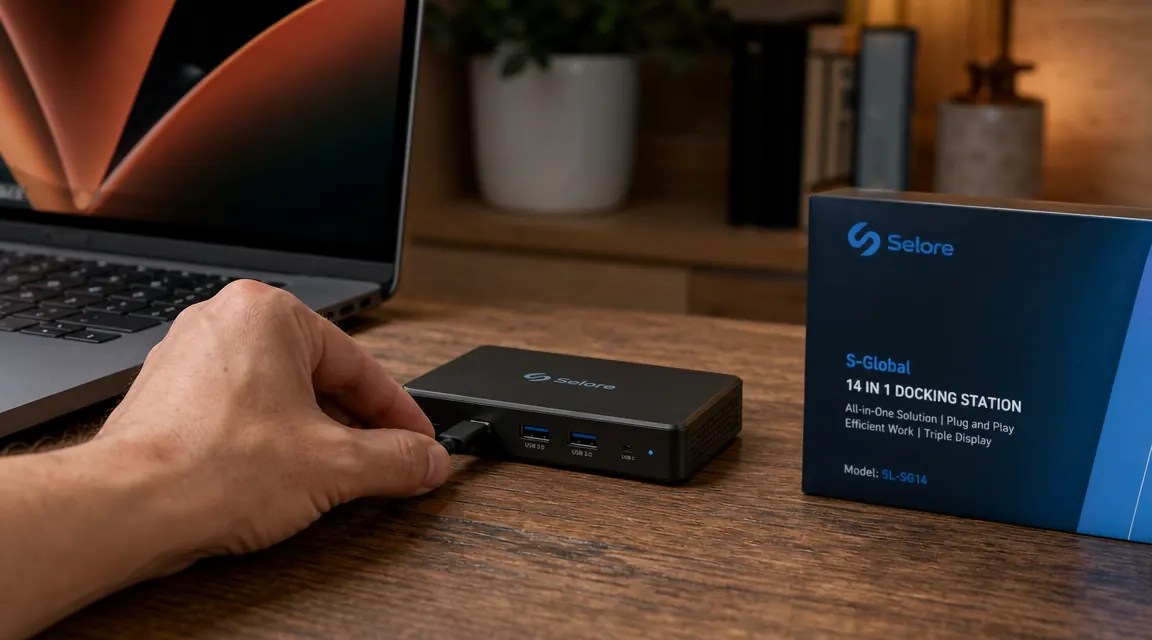
Every morning, the routine is the same. Plug in the HDMI adapter. Plug in the USB hub. Plug in the charger. Hunt for the Ethernet dongle. By the time your laptop is actually connected to everything, you have used up five minutes and four separate ports that your laptop does not even have enough of. A USB-C docking station fixes all of that with one cable. The Selore 14-in-1 USB-C docking station has over 21,000 reviews on Amazon and a 4.4-star rating, and most of them say the same thing: it replaced a small pile of adapters and the desk finally looks like a proper workspace. Here are 10 specific reasons why a docking station is the upgrade that actually matters.
One cable in, 14 ports out. See today's price on the Selore 14-in-1.
The Selore connects dual 4K HDMI monitors, charges your laptop at 85W, and handles USB, Ethernet, SD cards, and audio through a single USB-C cable. Over 21,000 buyers. Under $55.
Amazon Check Today's Price on Amazon →You Go From Four Cables to One
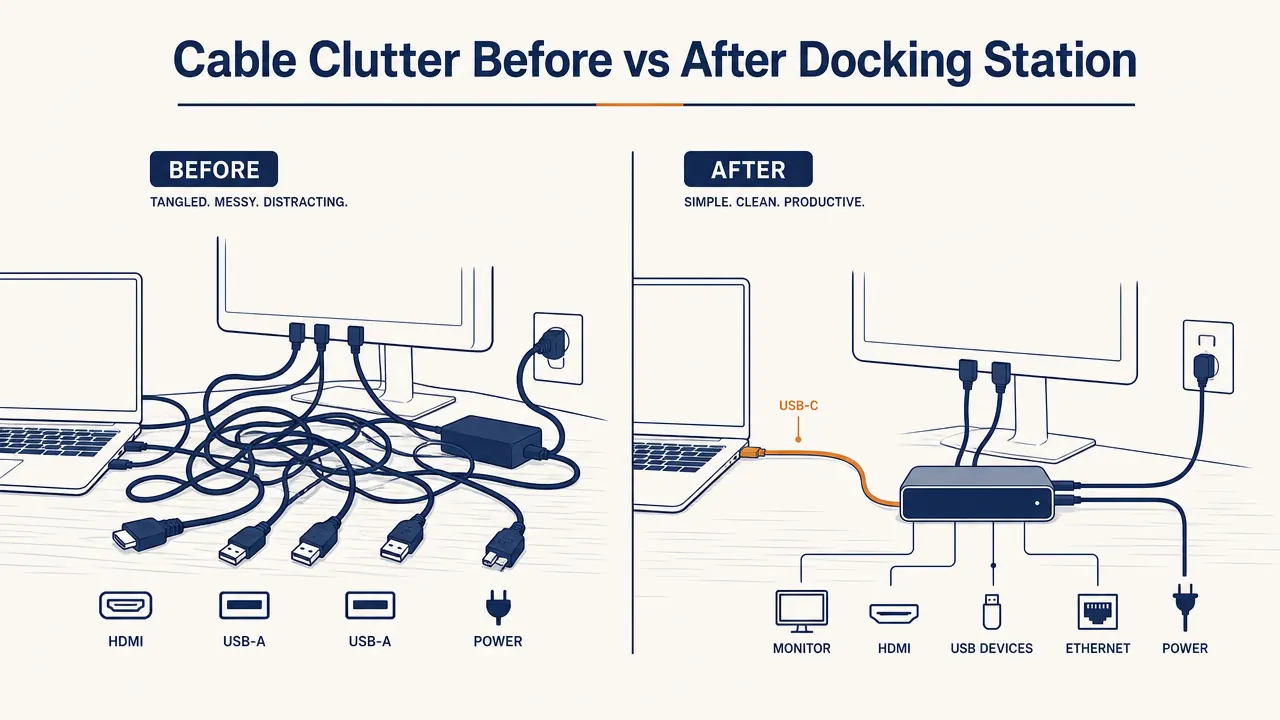
The clearest benefit is the most obvious one. Before a docking station, connecting a laptop to a full home office setup meant HDMI for the monitor, USB for the keyboard and mouse, a charger brick, and something for Ethernet if you needed it. That is four separate cables minimum. With a USB-C docking station, you plug in one cable and every peripheral wakes up at once. Sit down, connect, done. The morning friction disappears.
Your Desk Actually Looks Clean
Cable clutter is a real thing. It is distracting, it collects dust, and it makes even a nice desk look like a server room. A docking station consolidates everything into a single tidy box that sits to the side of the laptop. The cables run from the dock to the peripherals once and stay put. What used to be a nest of adapters becomes one object on the desk.
Dual Monitors on a Laptop That Was Not Built for Them
Most laptops ship with one video output, if any. The Selore has two HDMI ports, both capable of 4K output, which means you can run two external monitors from a machine that was never designed to do that. For remote workers who want the productivity boost of a multi-screen setup without buying a desktop, this is the most practical path. Read more about the full setup process in our guide on how to connect dual monitors with a docking station.
85W Laptop Charging Through the Same Cable
Older hubs charged your laptop at trickle speeds, if at all. The Selore passes through 85W of power delivery over USB-C, which is enough to charge most laptops at full speed while you work. You do not need a separate charger brick on the desk. The dock handles it. One cable out, power in.
Wired Ethernet Without an Ethernet Port
Most modern laptops dropped their Ethernet port years ago. That is fine in a good WiFi environment, but for video calls, large file transfers, or any time the wireless signal is unreliable, wired is still better. The Selore includes a Gigabit Ethernet port. Plug in a cable and your connection is more stable without adding another adapter to the mix.
Sit down, connect one cable, and every peripheral is live. That is the whole pitch, and it actually works that way.
SD and MicroSD Slots Mean No More Card Reader Dongle
Photographers, video editors, and anyone who moves files from a camera will know the specific annoyance of hunting for the SD card adapter before downloading footage. The Selore has a full-size SD slot and a MicroSD slot built in. The card reader dongle goes in the drawer and stays there.
USB-A Ports for Gear That Does Not Use USB-C Yet
USB-C is everywhere now, but a lot of peripherals still use USB-A. Flash drives, older mice, webcams, desk fans, phone cables. The Selore includes multiple USB-A ports alongside its USB-C ports, so you are not forced to choose between new and old. Everything connects at the same time.

Taking Your Laptop to a Meeting Is a Ten-Second Process
When you work at a fully wired desk and need to move to a meeting or a different room, a docking station makes the transition frictionless. Unplug one USB-C cable and your laptop is free. Come back, plug in one cable, and you are back to a dual-monitor workstation. Contrast that with unplugging four separate things and inevitably forgetting where you left the HDMI adapter.
It Works the Same Way on Mac and Windows
Cross-platform compatibility is a real problem with some hubs. Drivers that only work on Windows, display outputs that require macOS configuration, charging limits that vary by machine. The Selore is plug-and-play on both platforms. No drivers to install, no compatibility page to check before buying. Plug it in and the ports work.
It Costs Less Than the Adapters It Replaces
Add up a decent HDMI adapter, a USB hub, a USB-C Ethernet dongle, and an SD card reader. You are close to $70 or more for four separate pieces of plastic that each take up a USB port and add to the cable pile. The Selore does all of that and more for under $55. It is not just cleaner than the adapter approach. It is cheaper.
What I Would Skip
A USB-C docking station is not for everyone. If your laptop is older and lacks a Thunderbolt or USB-C port, this category does not apply to you yet. And if you only need one external monitor and use wired peripherals that already run directly to your laptop, a basic hub might be enough and half the price. The Selore earns its keep when you are running dual monitors, want laptop charging through the same cable, and are tired of managing a collection of individual adapters. For that specific situation, it is hard to beat. If you are still weighing it against a standalone hub, the Selore vs Anker comparison covers the key differences in detail.
For a deeper look at how the Selore performs after months of daily use, including its heat behavior and display lag under load, see our full Selore 14-in-1 USB-C docking station review.
Replace your adapter pile with one $55 box.
The Selore 14-in-1 USB-C docking station handles dual 4K monitors, 85W laptop charging, Ethernet, USB-A, SD cards, and audio through a single cable. 21,000+ reviews, 4.4 stars.
Amazon Check Today's Price on Amazon →